Guided screenshots, not live forms. Fictional public-demo data. No production account, live AI, email delivery or money movement.
Guided work Step 10 of 33
Save the completed-stage confirmation
Your action
The required checkbox is now checked. Click Save steps; after it succeeds, click Next stage.
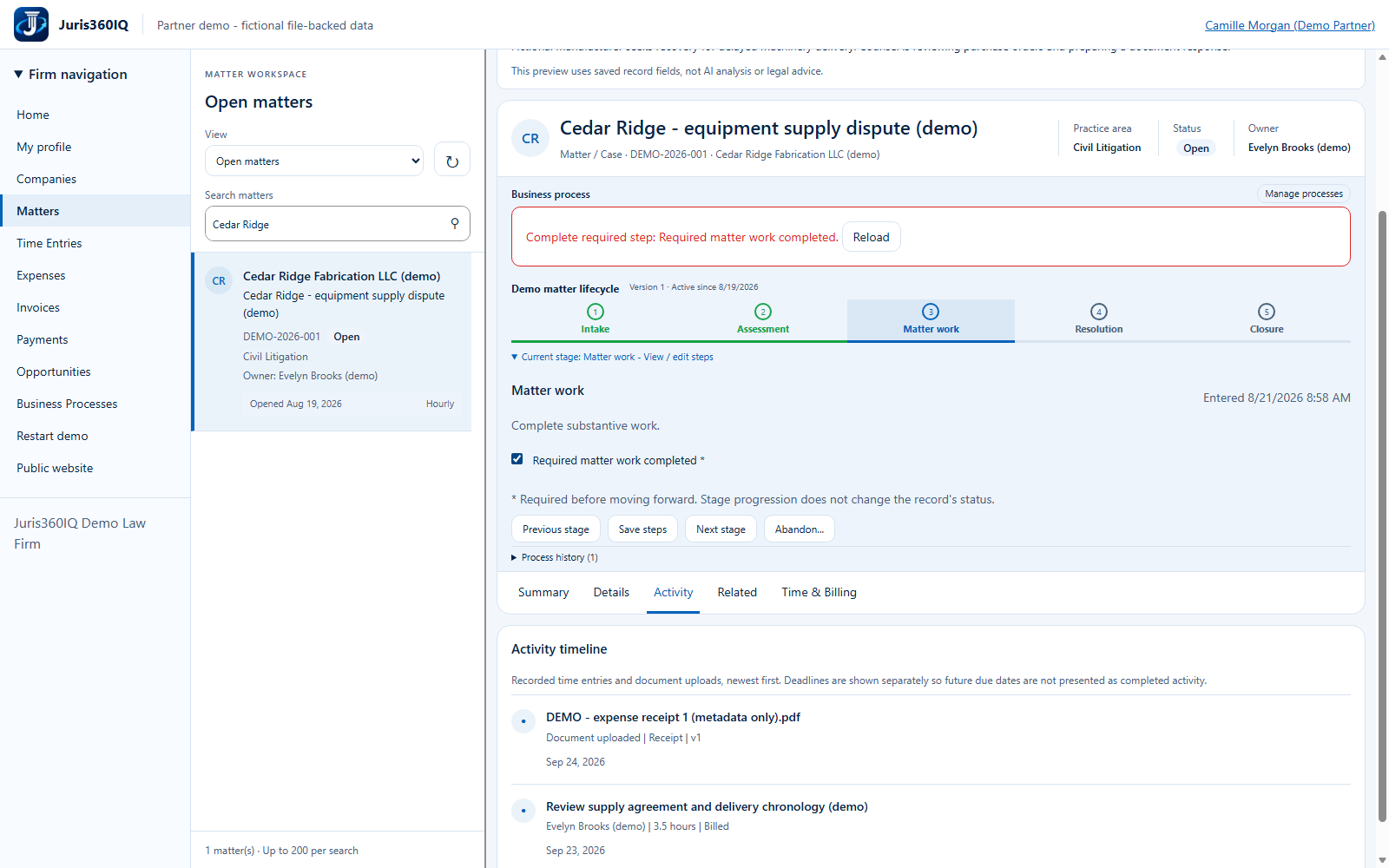
Highlighted controls
- Required confirmation is now checked
- Save the checklist
Value to the firm
An explicit save provides a recorded checklist state before the handoff.
Presenter notes: purpose, business value and limitations
We confirm fictional completion of required matter work, save the checklist, then advance once. The recorded process history captures the progression. Neither action completes the overdue deadline or automatically edits the matter status.
Business value: An explicit save provides a recorded checklist state before the handoff.