Guided screenshots, not live forms. Fictional public-demo data. No production account, live AI, email delivery or money movement.
Client service Step 12 of 33
Confirm the client before recording work
Your action
Enter Cedar Ridge and click Search to narrow the client list. Review the fictional contact and open-matter count, then click Time Entries.
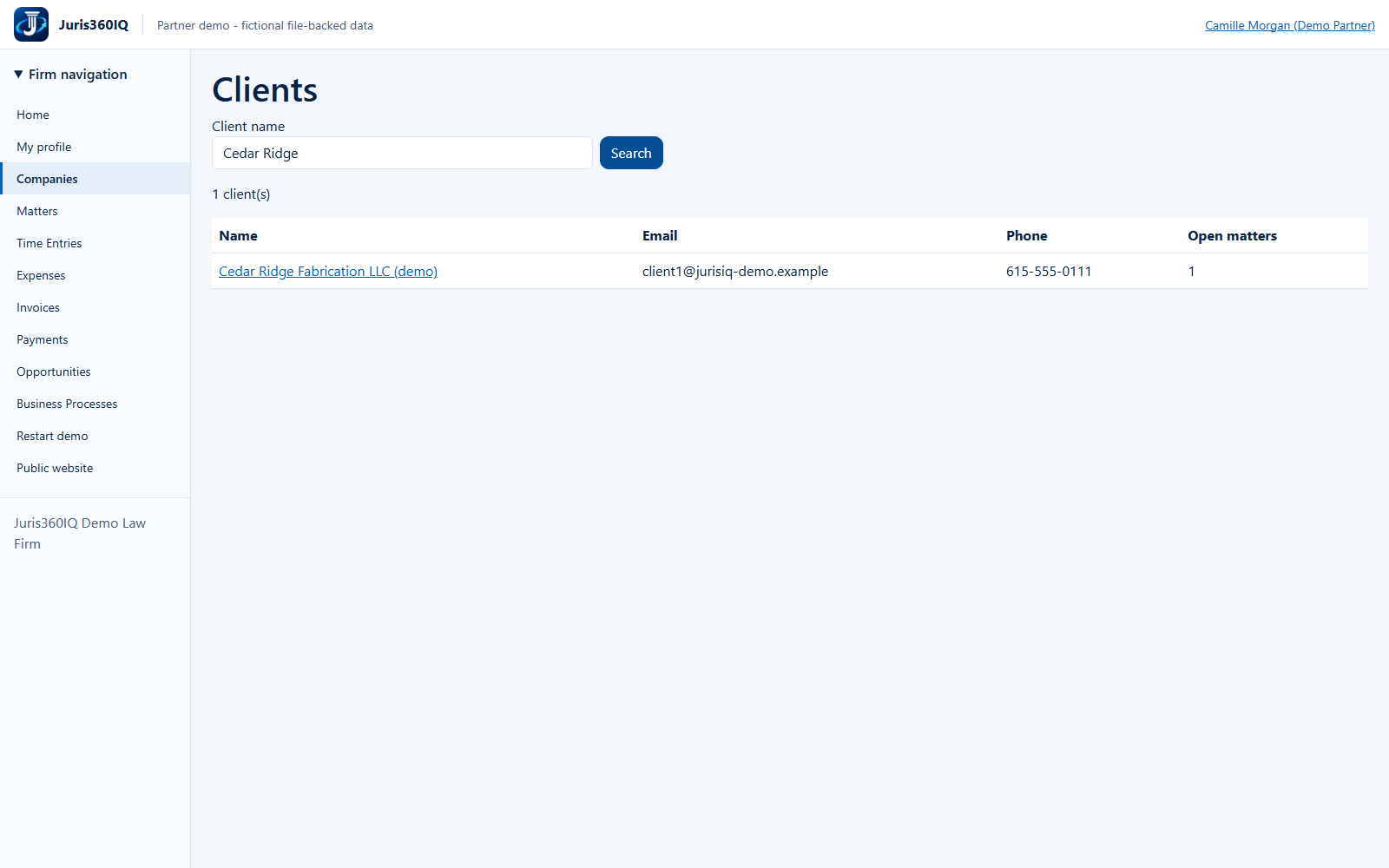
Highlighted controls
- Client search: Cedar Ridge
- Open Time Entries
Value to the firm
A quick client cross-check reduces misidentification and helps the lawyer use consistent contact details.
Presenter notes: purpose, business value and limitations
The Companies navigation opens the Clients screen. This is a search and read operation, not client creation or editing. The .example email and 555 phone number are deliberate fictional fixtures. No email is sent. Camille next records time against the Cedar Ridge matter.
Business value: A quick client cross-check reduces misidentification and helps the lawyer use consistent contact details.